





Remove
Object from Photo

Upload a photo, brush over an unwanted object, and remove it in seconds. Use Fast mode for quick cleanup or HD mode for detailed backgrounds and edges.

Google sign-in required
Fast & HD modes
Natural AI fill
50 free creditsJPG, PNG, WebPNatural AI fill
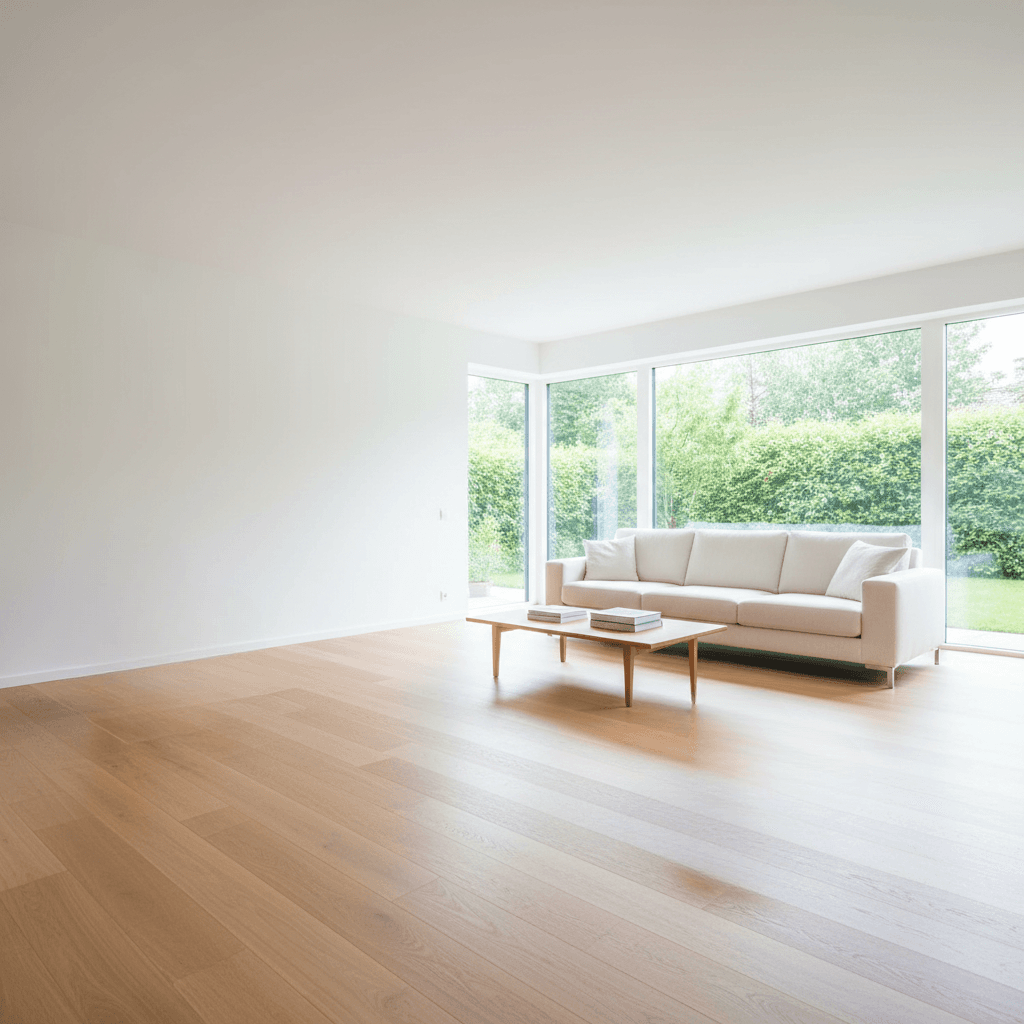
Clean photo — after object removal
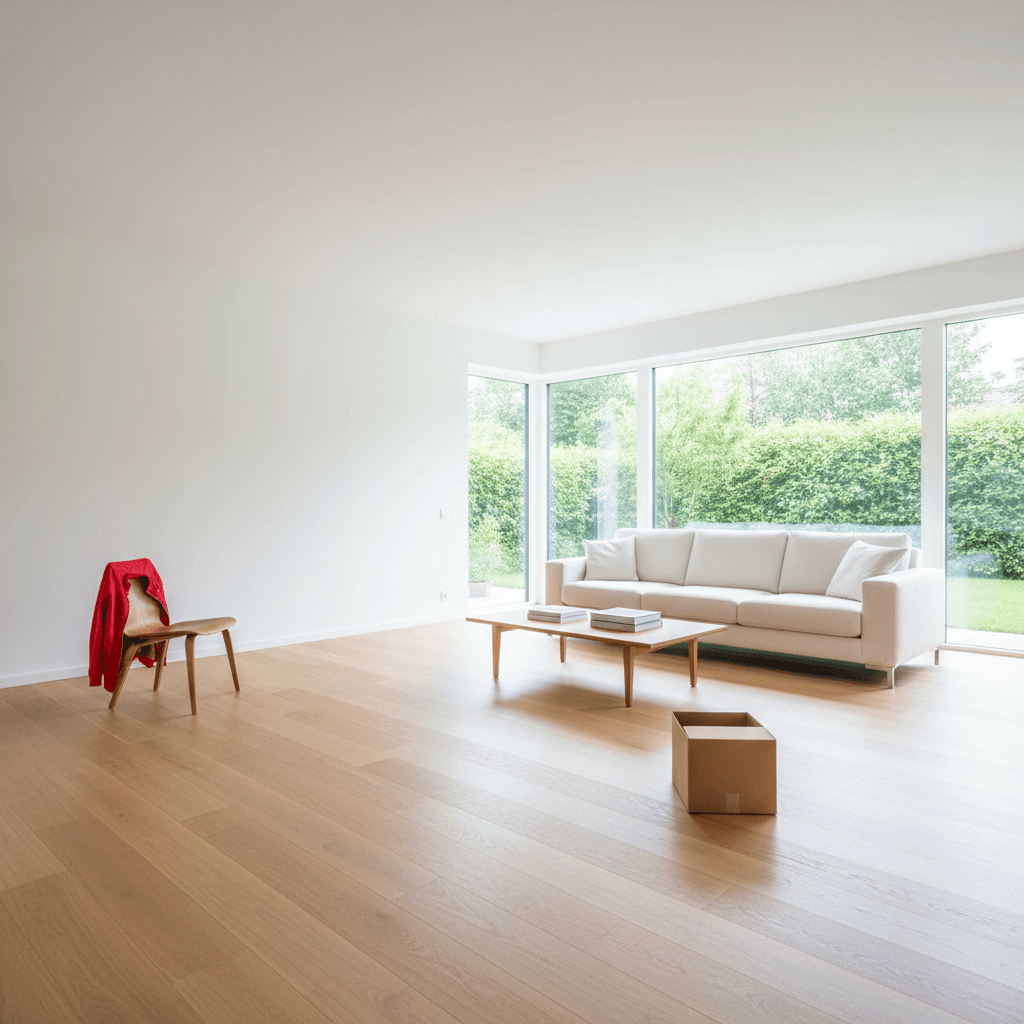
Photo with unwanted object — before removal
Before
After

Drop image or click to upload

JPG, PNG, WebP · Max 10MB

Try a sample:
Sample 1
Sample 2
Sample 3
Your images are deleted after processing

How it works

01

Upload your photo

Drag & drop or click to upload any photo with objects you want to remove. Supports JPG, PNG, and WebP up to 10MB.

02

Brush over the object

Use the brush tool to paint over unwanted objects. Adjust brush size for precision. Cover people, signs, wires, or any distractions.

03

Download clean result

Choose Fast mode for quick results or HD mode for tricky edges. AI fills the area naturally. Download your clean photo instantly.

Proof for the object edits people try first

Drag the slider to compare. These examples show the first cleanup jobs most new visitors test before branching into text, person, or watermark workflows.

Start here first

Built for the cleanup jobs most visitors try first

Travel distractions, wires, product clutter, and listing prep are the first object-removal jobs most new users want to solve.

Fast or HD

Clear guidance on which mode to use

Fast mode handles simple distractions quickly. HD mode is better for edges, shadows, reflections, and textured backgrounds.

Reliable output

Natural fills without turning the photo into mush

Each example focuses on texture recovery, believable edges, and edits that still look natural after download.

After: Remove tourists from travel photos
Before: Remove tourists from travel photos
Before
After
Travel cleanupMedium complexity

Remove tourists from travel photos

Erase photobombers and strangers from your travel memories. Get clean landmark shots.

Best for

Photobombers, passersby, and clutter around landmarks

Recommended mode

Start in Fast mode, switch to HD for hair and shadow edges

Uses the same upload flow and editor modes shown above the fold.
After: Remove power lines & wires
Before: Remove power lines & wires
Before
After
Landscape cleanupHigh complexity

Remove power lines & wires

Clean up distracting cables and wires from landscape and architecture photos.

Best for

Thin power lines, utility wires, poles, and skyline distractions

Recommended mode

Use HD mode when lines cross roofs, trees, or detailed skies

Uses the same upload flow and editor modes shown above the fold.
After: Clean product photos
Before: Clean product photos
Before
After
E-commerce prepLow complexity

Clean product photos

Remove background clutter, stickers, and imperfections for professional e-commerce images.

Best for

Tabletop clutter, distracting props, stickers, and packaging noise

Recommended mode

Fast mode is usually enough, then rerun HD for catalog-ready exports

Uses the same upload flow and editor modes shown above the fold.
After: Real estate photo cleanup
Before: Real estate photo cleanup
Before
After
Listing cleanupMedium complexity

Real estate photo cleanup

Remove furniture, personal items, and distractions from property listing photos.

Best for

Listing prep, decluttering rooms, and cleaning up agent-ready images

Recommended mode

HD mode works best on interior scenes with repeating textures

Uses the same upload flow and editor modes shown above the fold.

Why Object Remover AI

The fastest way to remove unwanted objects — with pixel-perfect precision

Fast & HD Modes

Choose Fast mode for quick edits (3 seconds) or HD mode for pixel-perfect results on tricky edges and shadows. You control the quality-speed tradeoff.

Multi-Result Picker

HD mode generates multiple result variations. Pick the best one instead of hoping AI gets it right. Turn randomness into choice — Pro users get 4 options per removal.

Natural AI Fill

No blur, no artifacts, no patchy textures. Our AI intelligently fills removed areas with context-aware content that matches surrounding pixels perfectly.

Private & Secure

Your images are processed securely and deleted immediately after. We never store, index, or share your photos beyond what is needed to complete processing.

Frequently Asked Questions

What to expect before you start removing unwanted objects from photos.

Upload a photo, mark or brush over the unwanted object, run removal, and review the result. For quick edits use Fast mode, and for detailed backgrounds or shadows use HD mode.

Remove Object from Photo
Online

If you need a general remove object from photo workflow, this is the broad cleanup tool. It handles remove objects from photos queries like wires, clutter, signs, props, and distracting items when the job is not specifically about text, people, or watermarks.

Use Fast Mode for Simple Edits, HD Mode for Detailed Backgrounds

Fast mode is the quickest option for casual cleanup. HD mode is better when the removed object crosses textured walls, reflections, product edges, or shadows and you want a cleaner fill.

A Strong Object Remover from Photo Page Should Stay Broad

Generic object removal terms are highly competitive, so this page works best as the hub for broad cleanup intent. When the task is really a person, text, or watermark problem, the dedicated tools and spoke pages usually match that search intent better.

Common Use Cases

  • Remove wires, poles, and small distractions from landscape photos
  • Erase tourists, bags, and clutter from travel shots
  • Clean up product photos by removing background clutter
  • Remove unwanted signs, props, and random objects from listing images
  • Erase scratches, dust, and small blemishes from old photos

Free to Test, Flexible Enough for Many Cleanup Jobs

Object removal starts with Google sign-in. New accounts get 50 free credits, and HD mode plus multi-result selection are available when you need more control.

Need a More Specific Remover?

If the unwanted area is actually a person, some text, or a watermark, jump to the person remover, text remover, or watermark remover. Those pages are better tuned for those intents.

Ready to remove objects from your photo?

Upload a photo and get a clean result in seconds. Choose Fast or HD mode. Sign in with Google to unlock 50 free credits.

Smart detectionImages deleted after useNo credit card