

Remove
Text from Image
Without Ruining the Background

Remove captions, date stamps, and watermark text from any photo — without blurry patches or Photoshop. AI erases the text and keeps your background clean.

Auto-Detect All Text
Results in Seconds
Background Stays Sharp
50 free creditsJPG, PNG, WebPFree online, no credit card
Clean photo — after text removal
Photo with text overlay — before removal
Before
After

Drop image or click to upload

JPG, PNG, WebP · Max 10MB

Try a sample:
Sample 1
Sample 2
Sample 3
Your images are deleted after processing

Remove Text from Image - Before and After

Drag the slider to see real text cleanup on packaging, apparel, outdoor ads, watermarks, date stamps, and subtitles.

After: Remove text from product labels
Before: Remove text from product labels
Before
After
Real example

Remove text from product labels

Need a clean packshot or blank-label mockup? Erase label text from packaging photos while keeping glass, shadows, and reflections intact.

After: Remove text from apparel photos
Before: Remove text from apparel photos
Before
After
Real example

Remove text from apparel photos

Turn slogan hoodies into blank apparel mockups. Remove printed text while keeping fabric texture, folds, and fit natural.

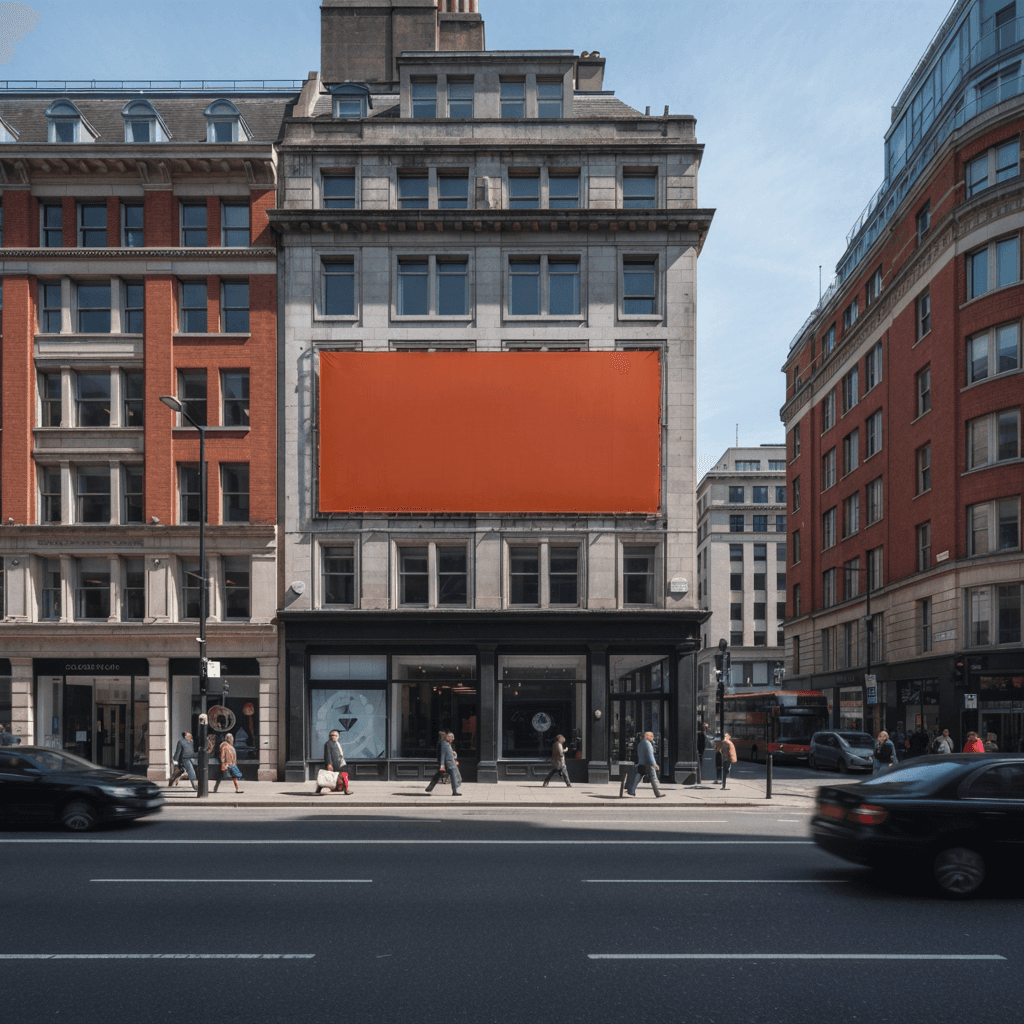
After: Remove billboard text from outdoor ads
Before: Remove billboard text from outdoor ads
Before
After
Real example

Remove billboard text from outdoor ads

Need a blank ad surface for a new campaign? Clear billboard copy while keeping perspective, edges, and lighting clean.

After: Remove proof watermarks from preview photos
Before: Remove proof watermarks from preview photos
Before
After
Real example

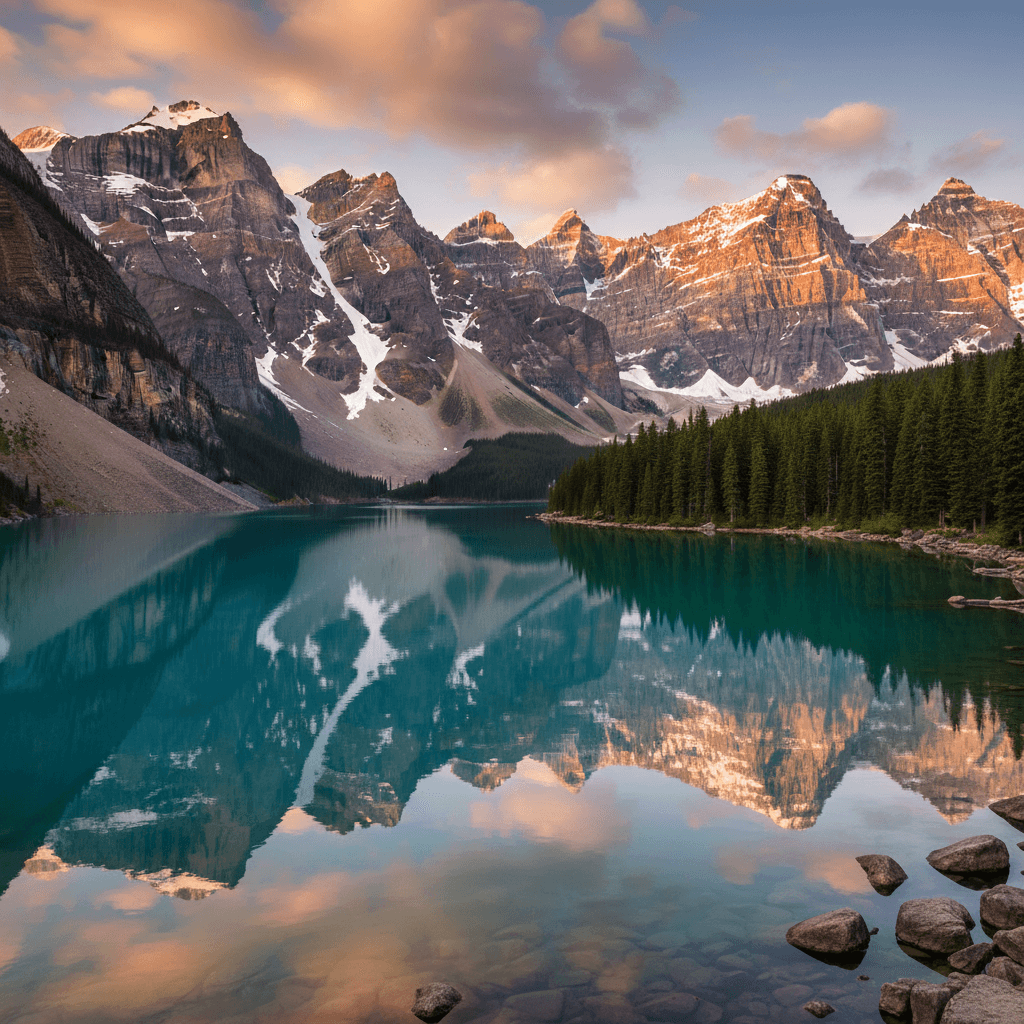
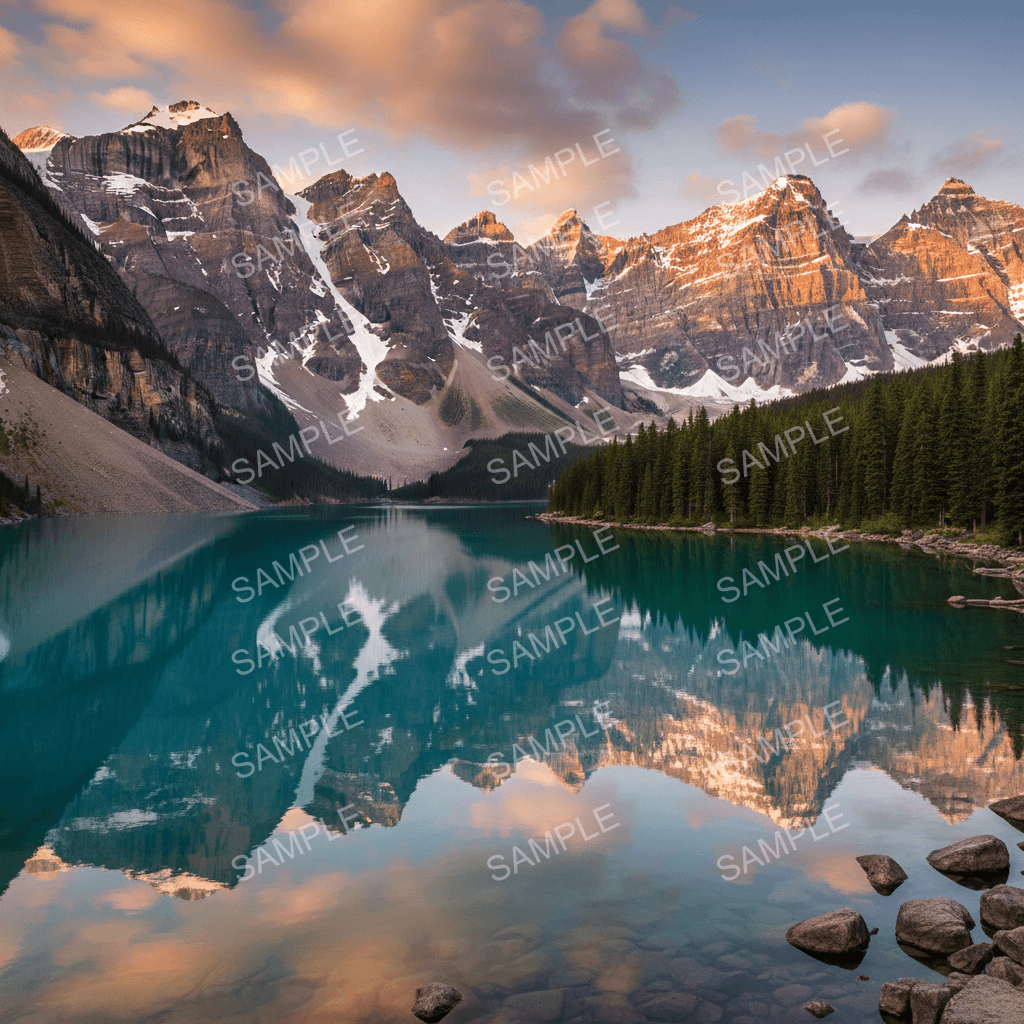
Remove proof watermarks from preview photos

Erase repeated sample text while keeping mountains, reflections, and sky detail sharp.

After: Remove date stamps from family photos
Before: Remove date stamps from family photos
Before
After
Real example

Remove date stamps from family photos

Clean old timestamps from family photos without damaging skin tones, grass, blankets, or backyard detail.

After: Remove subtitles from scene stills
Before: Remove subtitles from scene stills
Before
After
Real example

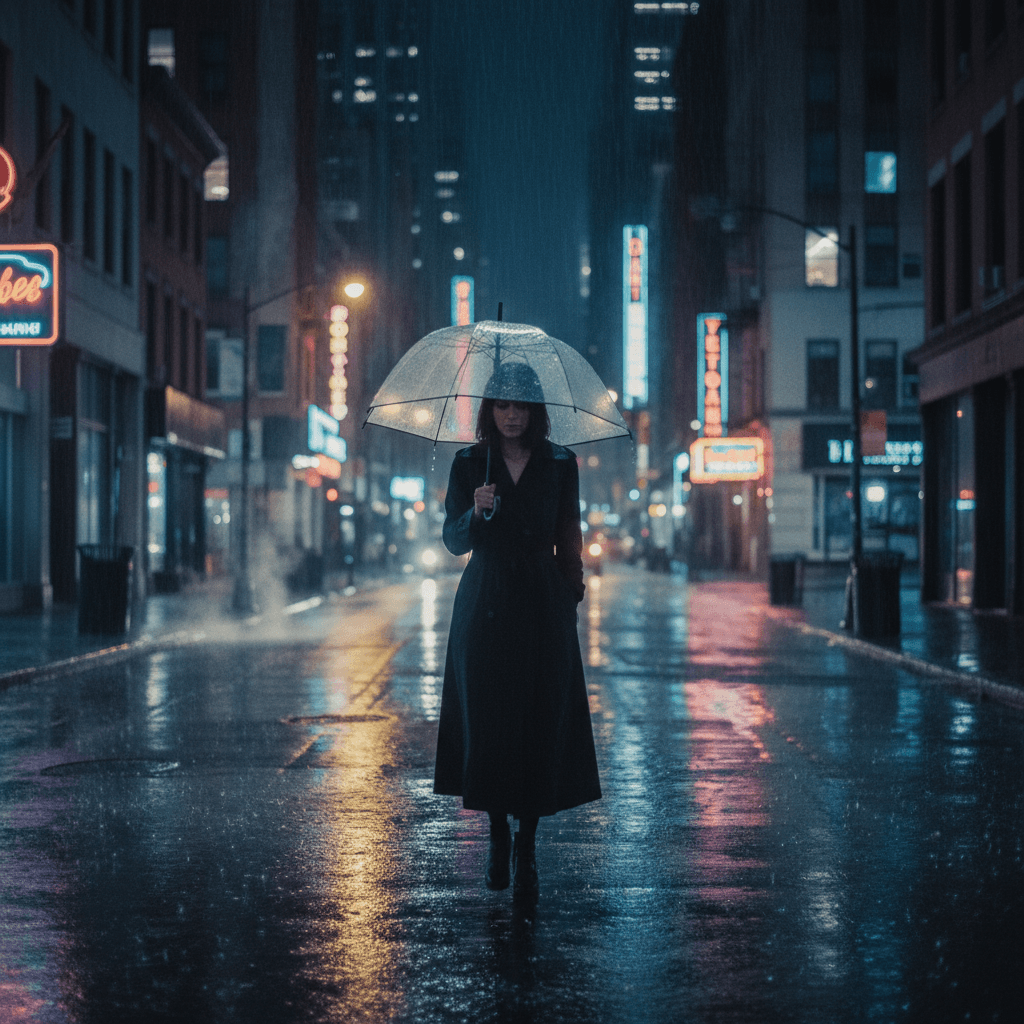
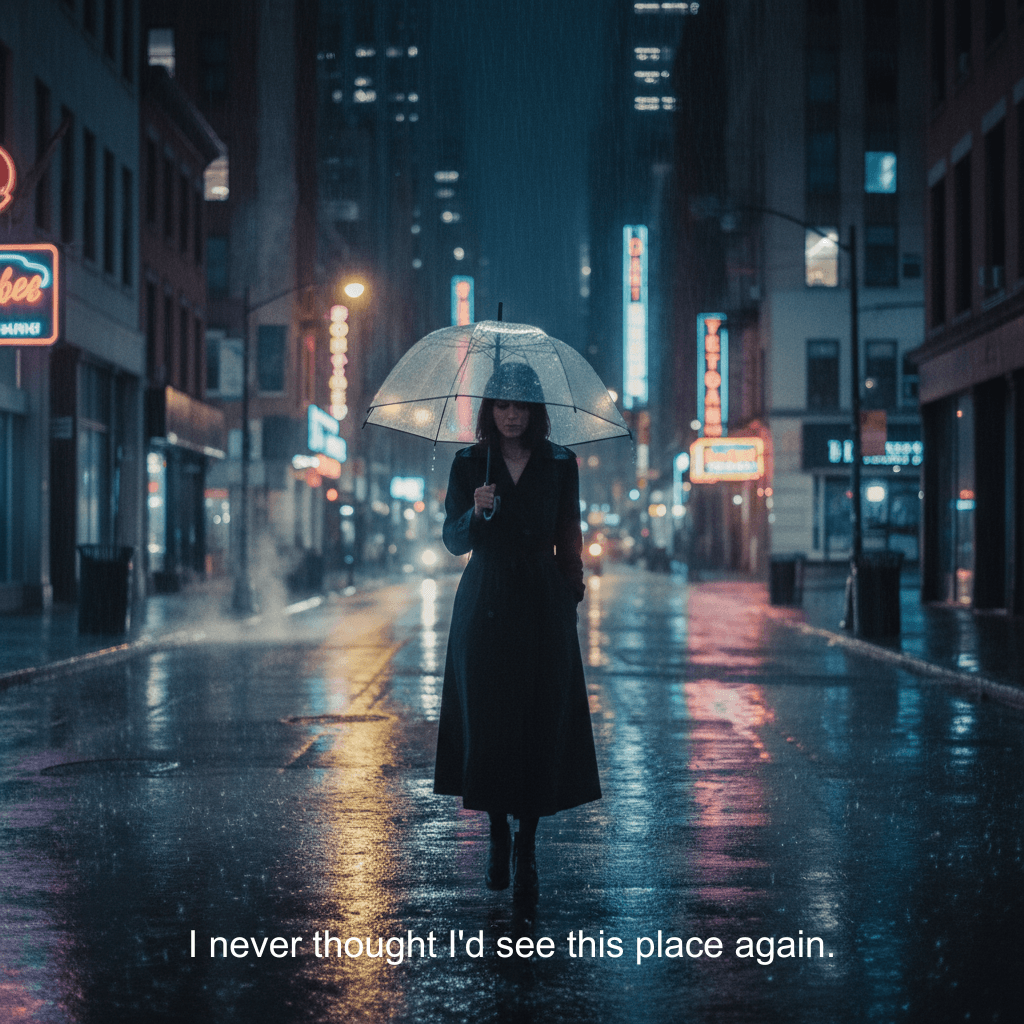
Remove subtitles from scene stills

Clear burned-in subtitles from cinematic frames while keeping rain, reflections, and neon detail intact.

What Kinds of Text Can You Remove?

These are the real scenarios shown above, from commercial assets to personal photo cleanup.

Blank-label product photos

Remove packaging text from product shots when you need a clean packshot, neutral mockup, or marketplace-ready image.

Apparel mockups without printed copy

Erase slogans from hoodies and tees while keeping fabric texture, folds, and lighting believable.

Outdoor ads ready for new creative

Clear billboard text from street photos so the surface is ready for a new campaign, pitch, or portfolio mockup.

Preview photos with proof watermarks

Remove repeated sample text from scenic images while keeping reflections, clouds, and fine detail sharp.

Family photos with date stamps

Clean old timestamps from personal photos without damaging skin tones, grass, blankets, or backyard detail.

Scene stills with burned-in subtitles

Erase subtitle lines from cinematic frames while keeping rain, reflections, and neon mood intact.

How to Remove Text from Image in 3 Steps

No Photoshop, no design skills. Upload a photo and download a clean version in seconds.

01

Upload your photo

Upload the photo you want to clean up. JPG, PNG, and WebP.

02

Choose which text to remove

AI finds every piece of text in your image. Click to remove text or keep it. Brush over anything the AI misses.

03

Download your clean image

Background rebuilt naturally. Download your clean image — no watermark, even on the free plan.

Why Use This Tool to Remove Text from Image

No Photoshop, no blurry patches, no wasted time. Here's why people choose this text remover.

One-Click Text Detection

Don't brush every letter by hand. AI finds all text in your image — you just click which ones to remove. The fastest way to remove text from a photo.

Full Control When You Need It

AI missed a spot? Brush over any area to remove text from image manually. You decide what stays and what goes.

Free to Try, No Credit Card

Start with 50 free credits — enough to remove text from 5 photos. No payment info needed. See the results before you pay.

Your Photos Stay Private

Images are deleted right after processing. We never store, share, or use your photos for anything else.

Remove Text from ImageCommon Scenarios

From packshots and apparel mockups to billboard creative and family photos, these are the most common ways people use text cleanup.
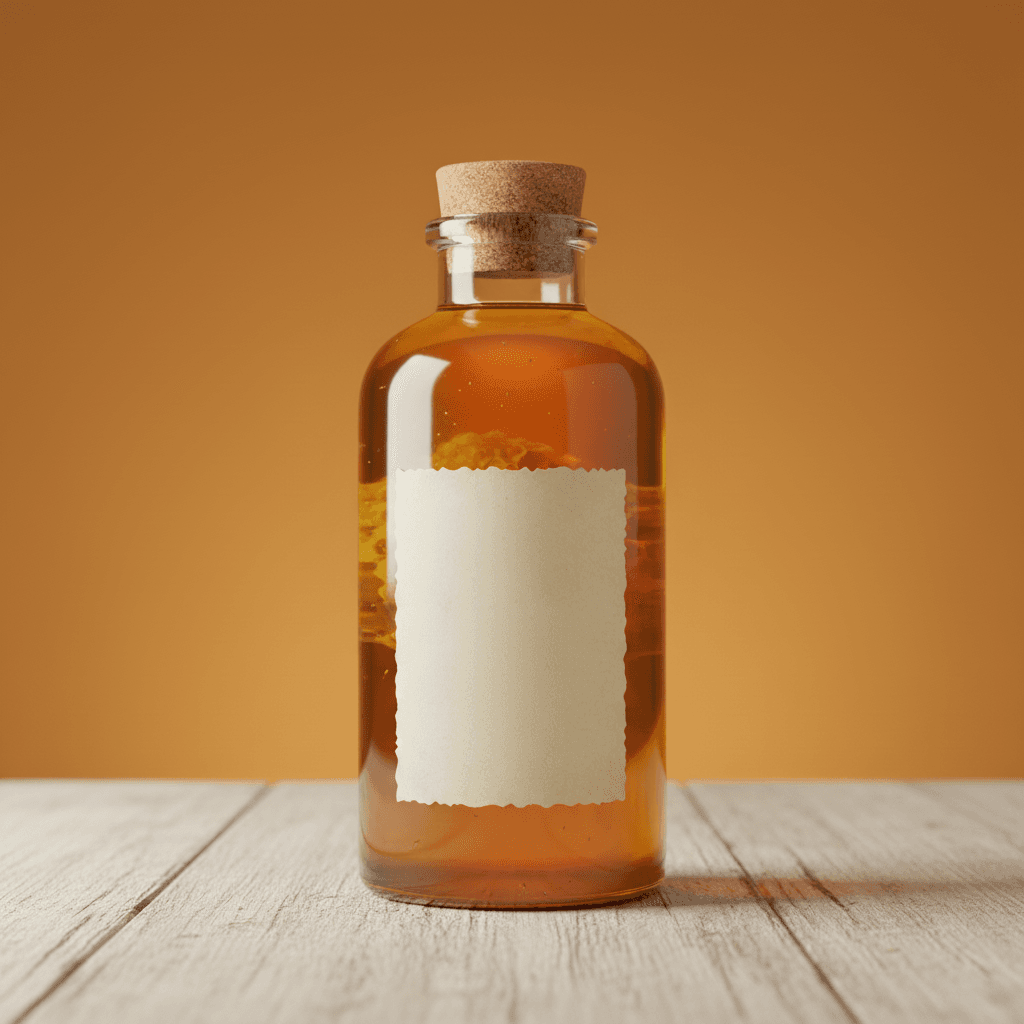
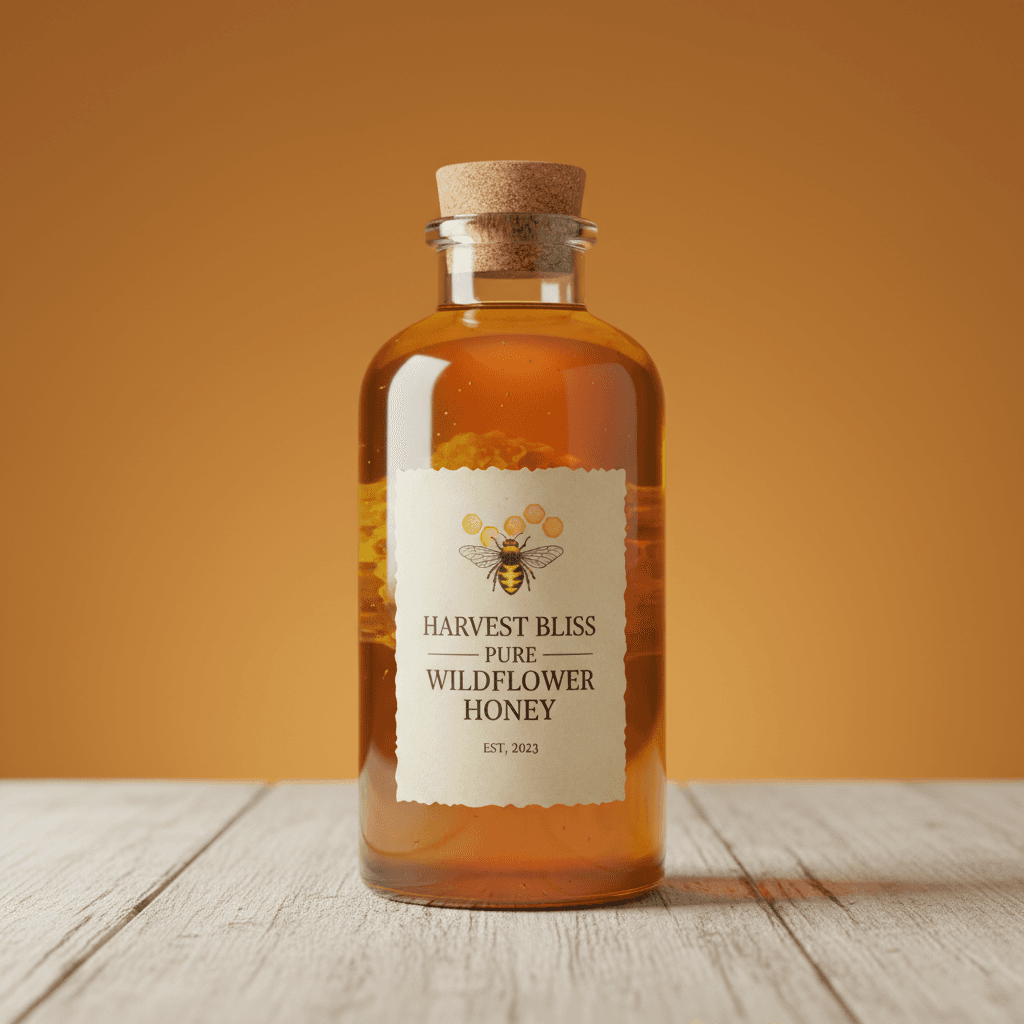
Remove text from product labels after
Remove text from product labels before
Before
After
Product packaging

Remove text from product labels

Need a clean packshot or blank-label mockup? Remove printed branding and product copy while keeping glass, shadows, and reflections intact.

  • Good for packshots, neutral mockups, and marketplace images
  • Keeps packaging edges, highlights, and reflections natural
  • Faster than rebuilding the whole shot in Photoshop

Read the full remove text from image guide
Remove text from apparel photos after
Remove text from apparel photos before
Before
After
Apparel mockups

Remove text from apparel photos

Turn slogan hoodies and tees into blank apparel mockups. Remove printed text while keeping fabric texture, folds, and fit natural.

  • Works on chest prints, slogans, and simple graphic text
  • Preserves knit texture, folds, and garment shading
  • Useful for mockups, lookbooks, and store tests
Compare Photoshop vs browser AI
Remove billboard text from outdoor ads after
Remove billboard text from outdoor ads before
Before
After
Outdoor advertising

Remove billboard text from outdoor ads

Need a blank ad surface for a new campaign? Clear billboard copy while keeping perspective lines, edges, and daylight lighting clean.

  • Good for ad mockups, pitches, and portfolio visuals
  • Keeps perspective, frame edges, and facade detail intact
  • Faster than redrawing the whole billboard manually

See the general text removal workflow
Remove date stamps from personal photos after
Remove date stamps from personal photos before
Before
After
Family photos

Remove date stamps from personal photos

Clean old timestamps from family photos without damaging skin tones, grass, blankets, or soft backyard light. The photo keeps its natural feel after cleanup.

  • Handles timestamps, printed dates, and camera overlays
  • Background rebuilt to match skin, grass, and soft shadows
  • Useful for albums, prints, and shared family photos
Open the date stamp guide

FAQ — Remove Text from Image

Common questions about removing text from photos — how it works, what it costs, and whether it'll ruin your background.

Yes. This tool removes text from image files while keeping the background intact. Captions, date stamps, and watermark text get the cleanest results. Brush over anything the AI misses.

Ready to Remove Text from Your Photo?

Upload a photo, remove unwanted text, and download a clean image. Takes seconds, not hours in Photoshop. Sign in with Google to get 50 free credits.

Free to startImages deleted after useNo credit card