





The Complete Guide to
Removing Logos from Images
Whether you need to clean up product photos for your e-commerce store, remove platform watermarks from screenshots, or erase date stamps from personal photos, Object Remover AI makes it fast and effortless. Our AI-powered logo removal tool detects all logos and brand marks in your image automatically — then lets you choose exactly which ones to remove.
AI Logo Removal vs. Photoshop Clone Stamp
Traditional tools like Photoshop require you to manually select a source area and painstakingly clone pixels over the logo — a process that can take minutes per image and requires real editing skill. Our AI inpainting technology understands the surrounding context (textures, colors, patterns) and reconstructs what was behind the logo in seconds. No clone stamp, no smudge tool, no expertise needed.
Remove Logo Without Blur
Many free tools blur the area where a logo was removed, leaving an obvious trace. Our AI uses advanced inpainting to fill the removed area with contextually matching pixels — preserving textures, gradients, and edges. The result looks natural, as if the logo was never there. Pro users get HD output at original resolution for pixel-perfect results.
Common Use Cases
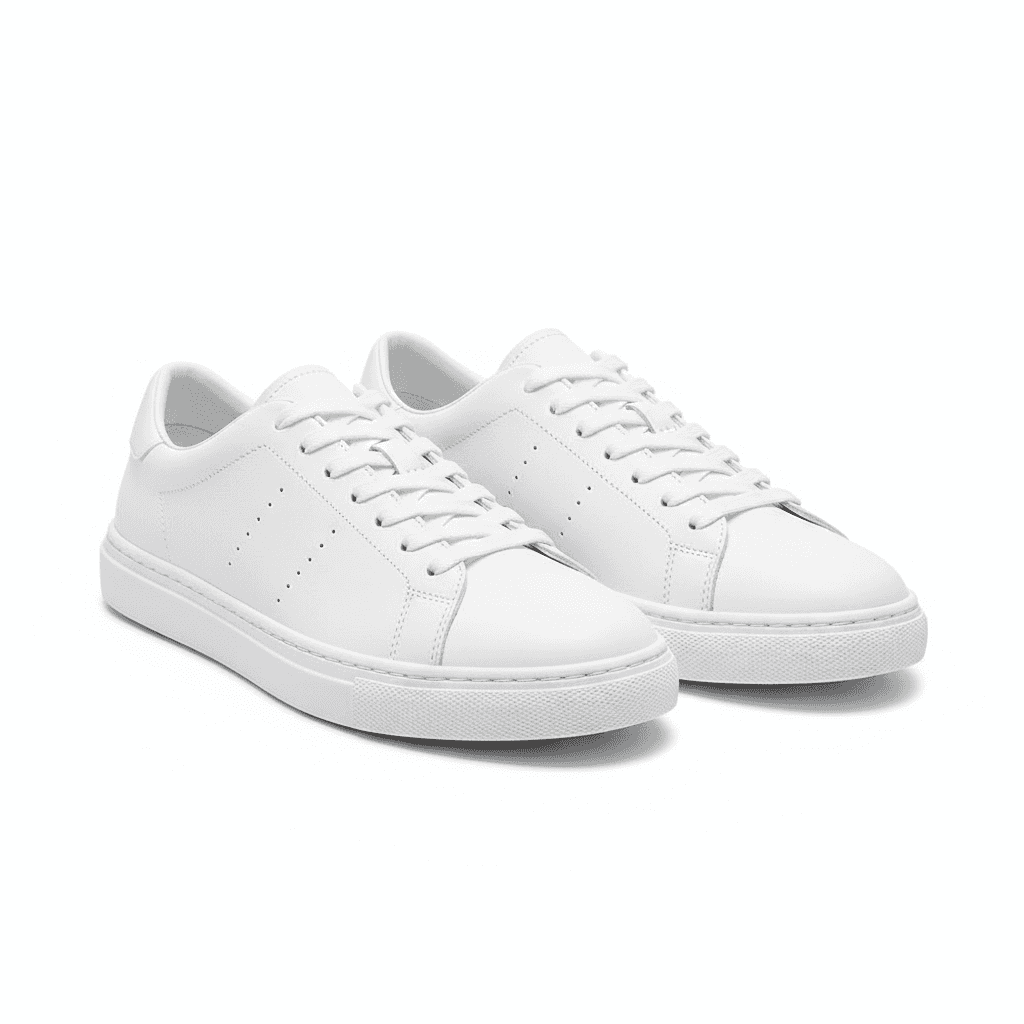
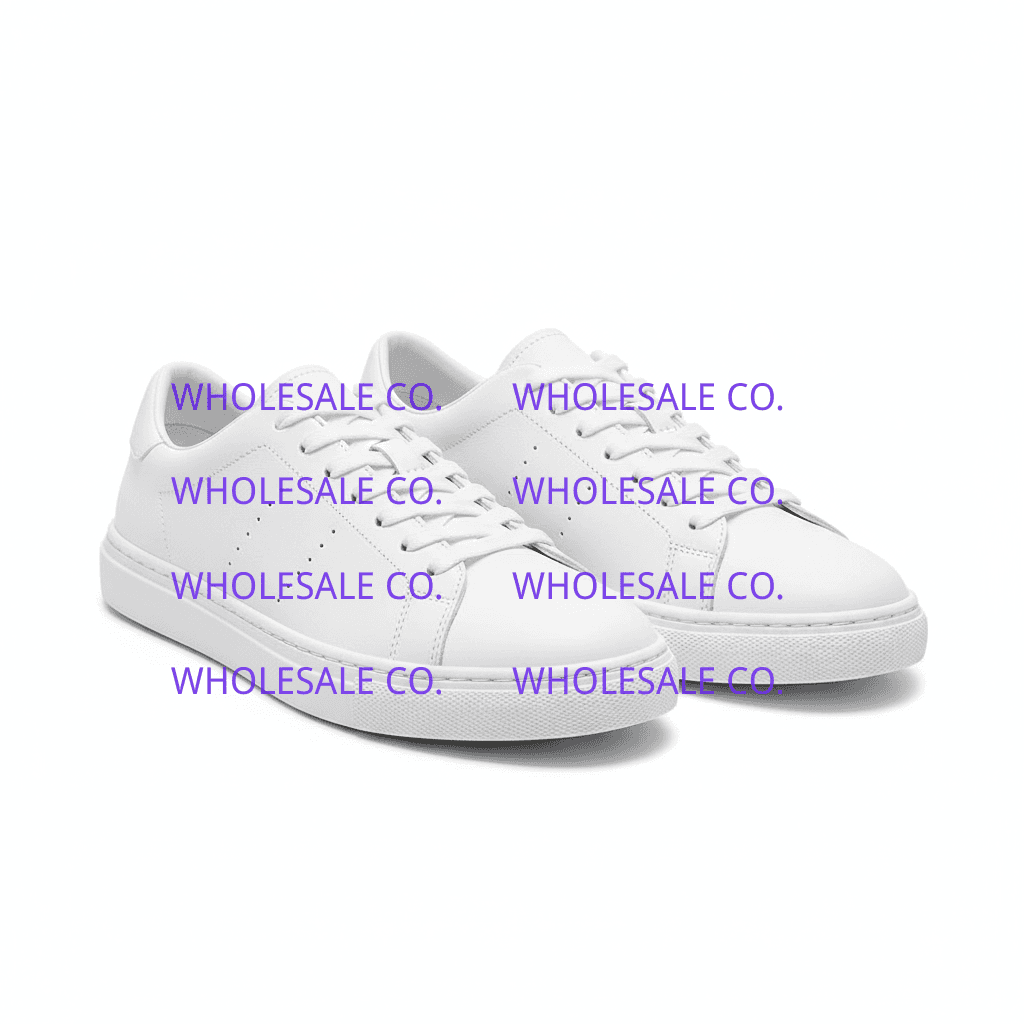
- Remove supplier logos from product images for your own store listings
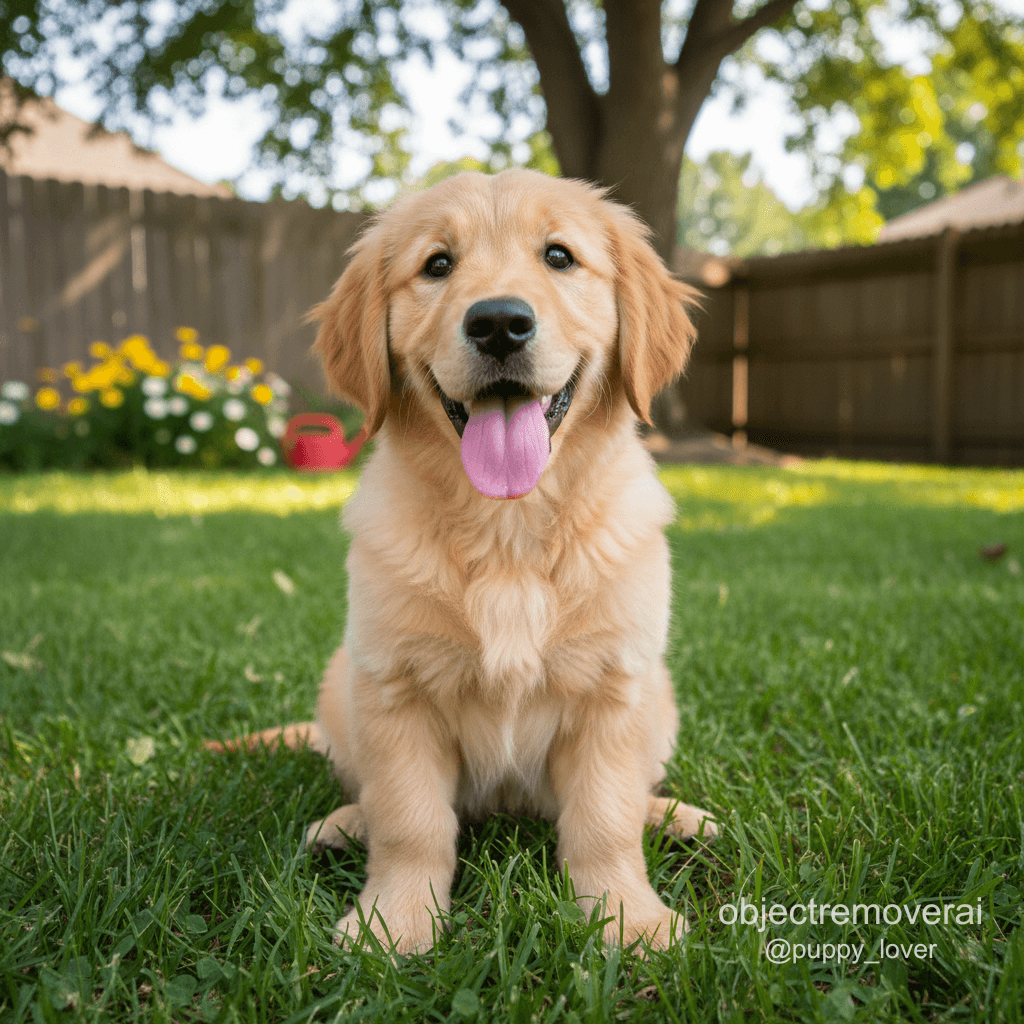
- Clean up social media platform watermarks from screenshots
- Erase camera brand logos and date stamps from personal photographs
- Remove old brand logos from marketing materials during a rebrand
- Clean up stock photo logos from images you've purchased the license for
Sign In and Start Editing
Logo removal now starts with Google sign-in. New accounts receive 50 free credits so you can test detection and cleanup before upgrading for HD output and more monthly credits.
Ethical Use and Copyright
This tool is intended for use on images you own or have permission to edit. Watermarks and logos often indicate copyright protection. Removing them from images you don't have rights to may violate copyright or trademark laws. Always ensure you have proper authorization before editing an image.